

On August 21-22 we held our 2nd Interactive & Immersive Championships. It was an amazing event and we saw 16 amazing developers and artists create works of art that the judges could barely believe was possible in 90 minutes! In this post, we’re going to recap some of those great works and show you where you can continue to follow all of the competitors and learn more about them!
Prize Winners!
A big congrats to the three prize winners of the event. These competitors brought a huge amount of techniques, processes, and creativity to their challenges and demonstrated exceptional artistry and command over TouchDesigner.
1st Place – Aristotle Roufanis
Aristotle brought a lot of amazing combinations of techniques and ideas to the challenges. One amazing piece he made for the finals involved combining Nvidia’s new AR face tracking to build a 3D mesh of his face that could interact with a particle-based fluid simulation happening in real-time using Nvidia’s Flex simulation system. This was all running in real-time inside of a beautiful previz environment he created with dramatic lighting and reflections. All of this within 100 minutes!

You can follow Aristotle at the following links:
https://www.instagram.com/worksofar/
https://www.instagram.com/aristotle.photography/
2nd Place – Owen Kirby
Owen demonstrated an unmatched level of audio control and processing in TouchDesigner. Not only from the perspective of how analyzed signals are used to create beautiful and compelling visual scenes, but also that all of the audio and music he was analyzing was also fully generated inside of TouchDesigner. Step sequencers, drum machines, polyphonic synths, and more are part of Owen’s toolkit.

You can follow Owen and learn more about his audio synthesis in TouchDesigner at the links below:
https://www.youtube.com/owenkirby
https://www.instagram.com/orbvorgis/
3rd Place – Dylan Roscover
Dylan, who impressively has ranked in the top three two years in a row at The Championship, showed off such an amazing variety of content and techniques. Everything from generative 2D content creation based on MIDI events to instancing setups with 3D textures, advanced UV manipulations, and a fully textured 3D reconstruction of his face using Nvidia’s AR SDK in TouchDesigner. It was really impressive to see how quickly Dylan could go from concept to finished piece and harnessed TouchDesigner, Notch, Unreal, and more with equal comfort.

You can follow Dylan’s and, his partner, Anita’s work below:
https://www.instagram.com/theexperiential/
https://www.instagram.com/dylanroscover/
https://www.instagram.com/anita_kucharczyk/
Competitor Socials
Many viewers were asking how they could follow the talented artists and developers they watched during The Championship. We’ve got you covered with social links for all of the artists below. Their works are fantastic and we highly recommend you give them all follows and likes.
Dan Rowan-Smith

You can follow Dan at the links below:
https://www.instagram.com/dan.r_s/
Kyle Meredith a.k.a. Kayem

You can follow Kyle at the links below:
https://www.instagram.com/kayem.visuals/
https://www.youtube.com/channel/UCueTNpYAvlWixkvReL1wJ1A
https://www.kyle-meredith.com/
Luke Hildreth a.k.a. momersion

You can follow Luke’s work below:
https://www.instagram.com/momersion/
https://www.linkedin.com/in/lukehildreth/
Morteza Ghahremanian a.k.a. Tormoz

You can follow Morteza’s work below:
https://instagram.com/tormozgh
https://www.youtube.com/channel/UCCqze3ccMbu78is0G8WC11w
Roberto Gutierrez Palma a.k.a. Robert Photonic

You can follow Roberto’s work below:
https://www.instagram.com/photonic_light_art
https://www.facebook.com/photoniclightstudio/
https://vimeo.com/photoniclight
Ben Benjamin a.k.a. webglol

You can follow Ben’s work below:
Tommy Etkin a.k.a. Tekt
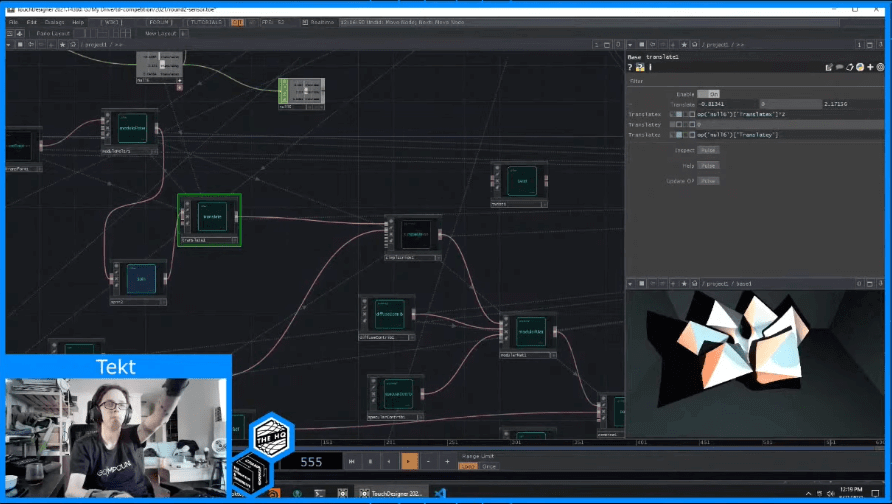
You can follow Tommy’s work below:
George Galanakis a.k.a. radarboy3000

You can follow George’s work below:
https://www.instagram.com/radarboy3000/
https://twitter.com/radarboy3000
David Joel Lajas a.k.a. Vj Catalyst

You can follow David’s work below:
https://www.instagram.com/vjcatalyst/
https://www.facebook.com/Vj-Catalyst-474931739523408
Jason Latta a.k.a. Amazing Robot

You can follow Jason’s work below:
https://www.instagram.com/amazingrobotandsons/
JP Kelly a.k.a. smallGod

You can follow JP’s work below:
Stephen Cronin a.k.a. visualsssssssss

You can follow Stephen’s work below:
https://instagram.com/visualsssssssss
Rob McDonald a.k.a. theRob

You can follow Rob’s work below:
Get Our 7 Core TouchDesigner Templates, FREE
We’re making our 7 core project file templates available – for free.
These templates shed light into the most useful and sometimes obtuse features of TouchDesigner.
They’re designed to be immediately applicable for the complete TouchDesigner beginner, while also providing inspiration for the advanced user.
Wrap up
We had a ton of fun putting together The Championship with all of our sponsors and partners. We hoped you found it to be a fun, interesting, educational, and inspiring event. We can’t thank the sponsors and supporters of The Championship for supporting the production and event. We look forward to seeing you at the next Championships!
